THE EDITORIAL DESK
A clearer view.
At every cadence.
Four ways to follow the space economy—from a quick launch briefing to the shifts that define a quarter.
Every issue is a draft until you approve it. These layouts do not send, schedule or approve anything.
Links in the draft open in a separate tab. Browser layout preview—not a Gmail, Outlook or Apple Mail rendering test. Placeholder copy and unpopulated chart slots are intentional.
FROM LAYOUT TO DRAFT
Built to review.
Never auto-send.
These are portable HTML references, not a direct beehiiv Free import and not configured campaigns.
Assemble in beehiiv’s native editor
- Open Newsletter → Template library → New template.
- Add native text, heading, image, divider and button blocks in the selected format’s order. Use the preview as a visual reference, not as an HTML import.
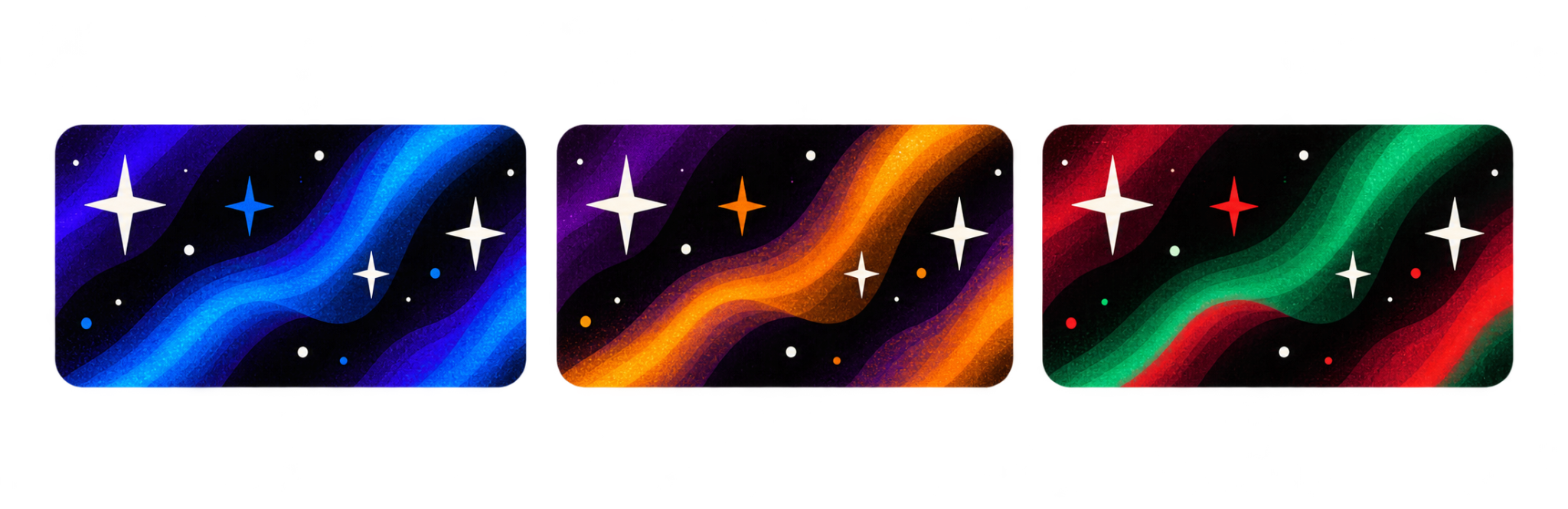
- Place the centre October badge from the latest approved three-badge sheet immediately to the left of the full Strategic Space title, with the tagline below the title. Frame out only the large transparent outer canvas; preserve the rounded badge, stars, proportions and modest glow. Do not recolor, redraw or put it behind the words. Keep the surrounding masthead plain dark. Test image framing in the provider preview because email support for overflow clipping varies. This draft uses the centre October badge. The left blue and right Christmas badges are the approved alternatives; November uses its separate gold asset. Keep the fuller proportions; do not stretch these into the old skinny format. Only website navigation changes automatically at America/Denver month boundaries. Email templates snapshot the approved seasonal artwork when each issue is prepared; no JavaScript runs in the email and no sent issue changes later. Then apply black / purple styling, readable body text, a single column, and generous spacing. Upload the approved logo, banner and story photo into the provider’s media library; use provider-hosted images and verify their accessibility before sending.
- Replace every bracketed placeholder. Add primary-source links, publication dates, a data cutoff, image credit and whether the image is the exact mission or representative.
- Preserve beehiiv’s generated unsubscribe, preferences, required footer and branding. Do not send the placeholder footer from these exports.
- Preview desktop and mobile, save the native template and rename it. Each issue still needs your explicit review before any send or schedule action.
Native editor rebuilding may not match this HTML exactly. HTML Snippet access requires an eligible paid plan or trial; no upgrade or trial is part of this work. Native template instructions ↗ · HTML compatibility ↗
Photo and chart checklist
Prefer an image of the exact mission. If only the matching rocket model or a prior mission is available, say so in the caption. Record photographer, source page, usage terms, and image date. NASA’s credited archive photo here is used for factual illustration, not endorsement. Photo source ↗ · NASA media guidelines ↗
Charts need source, cutoff, units, coverage and a readable takeaway. Distinguish launch-site country from provider nationality; count launches separately from payloads. A quarter-on-quarter chart must use two complete, comparable periods. Email launch times are dated snapshots, never live countdowns.
Before each issue is approved
- Replace placeholders and confirm all facts, links and dates.
- Keep analysis labeled separately from reported fact.
- Confirm photo usage and chart methodology.
- Check both phone and desktop email previews, plus provider footer links.
- Show the finished issue to you. Only then consider an explicitly approved send or schedule action.